Tinker
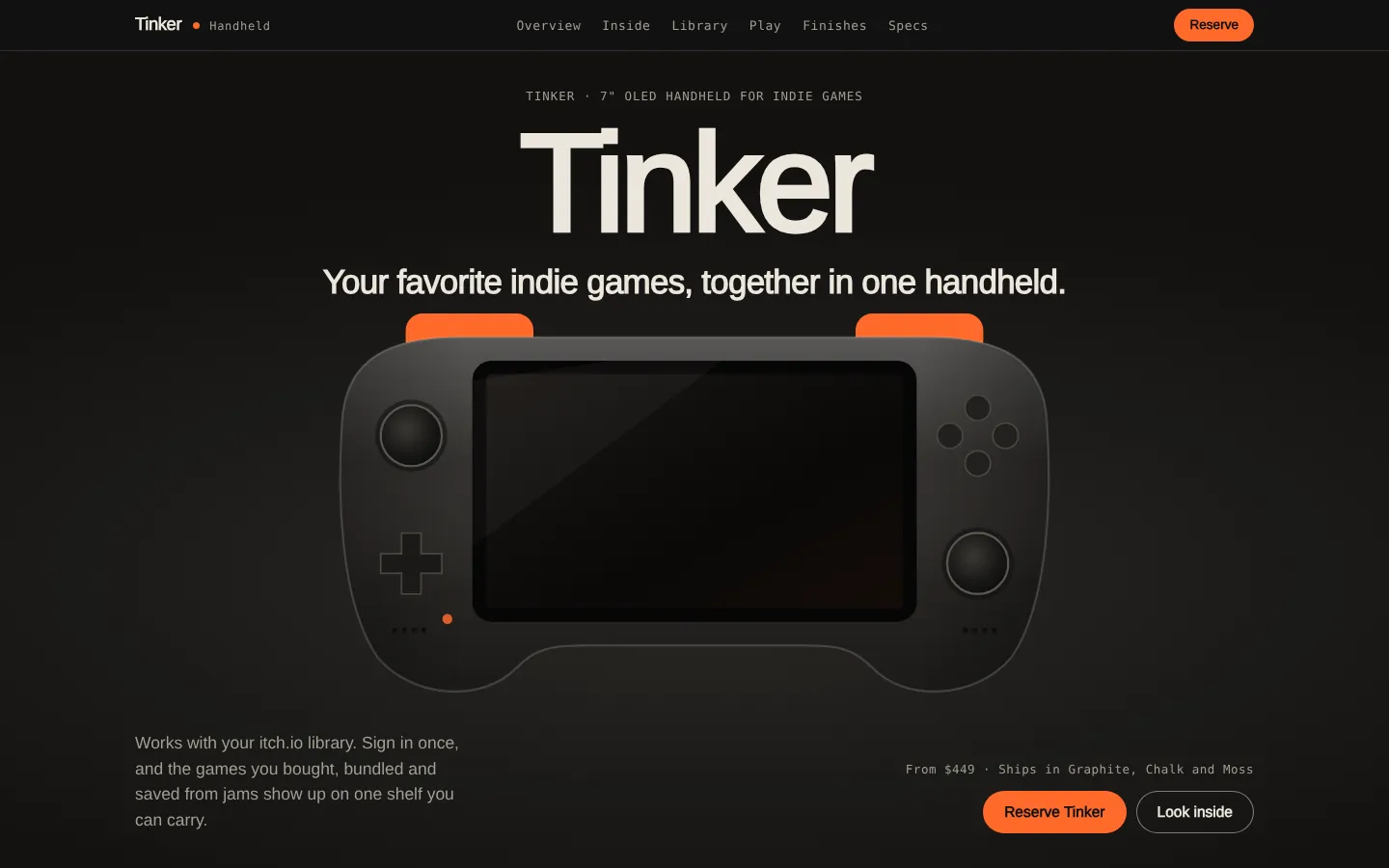
Tinker is a handheld I made up for people whose favorite games come from small creators. The page had to make a product nobody can touch feel real, with no photos: every visual is built in code with three.js, canvas and SVG.
Summary
A launch page for an indie-games handheld: your own itch.io shelf, a 3D teardown and a game you can play before you reserve.
0photos, every visual is code
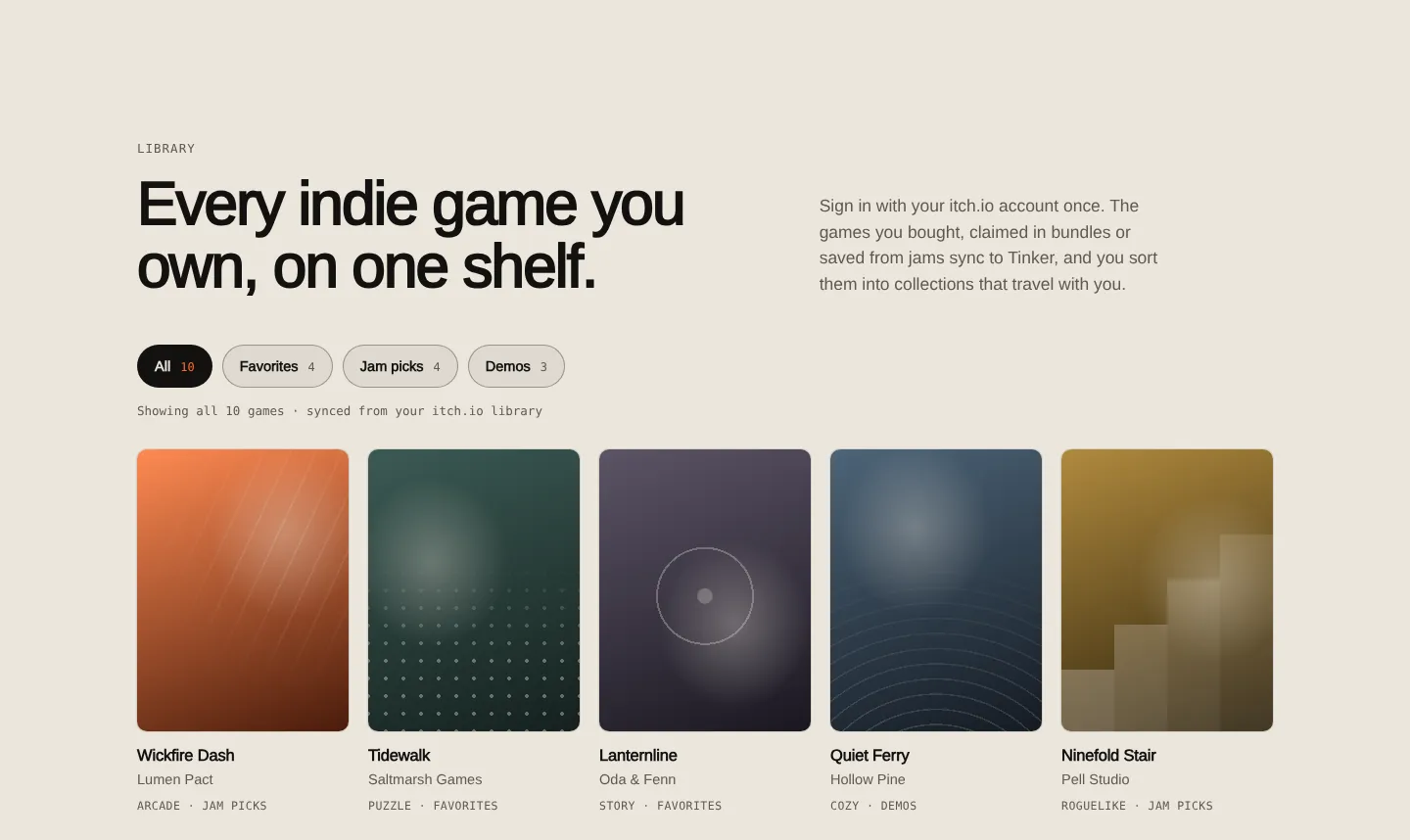
10games on a filterable shelf
1game you can play on the page
- My role
- All of it: concept, UX roadmap and product map, wireframes in Figma, a low-fi prototype, copy, visual and motion design, and the front-end.
- The problem
- A handheld for small games only makes sense if your games are already on it, and a spec sheet can't show that. Indie libraries end up spread across bundles, jam entries and downloads, so the page had to show the shelf first and let people try a game before asking for a deposit.
- What I did
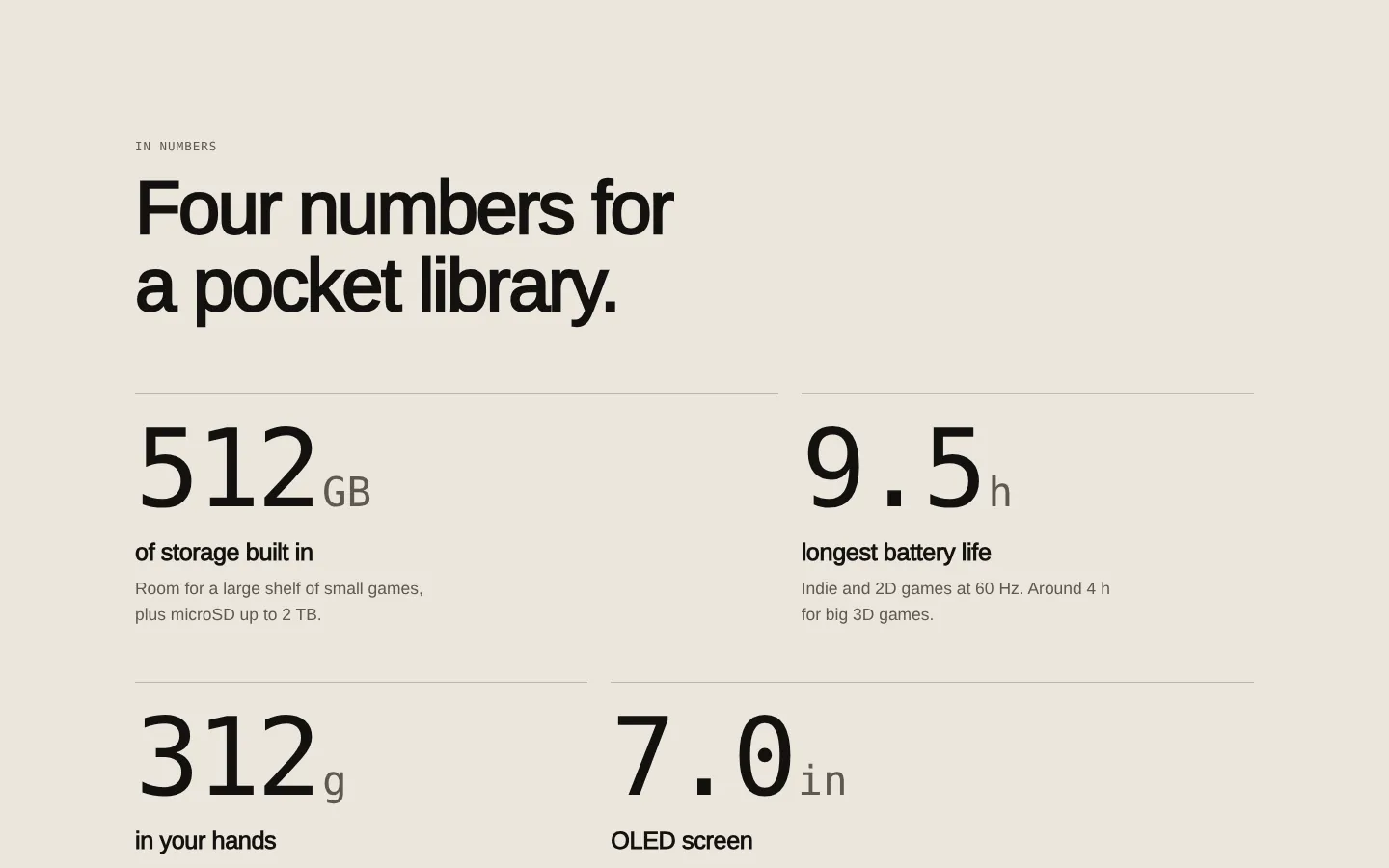
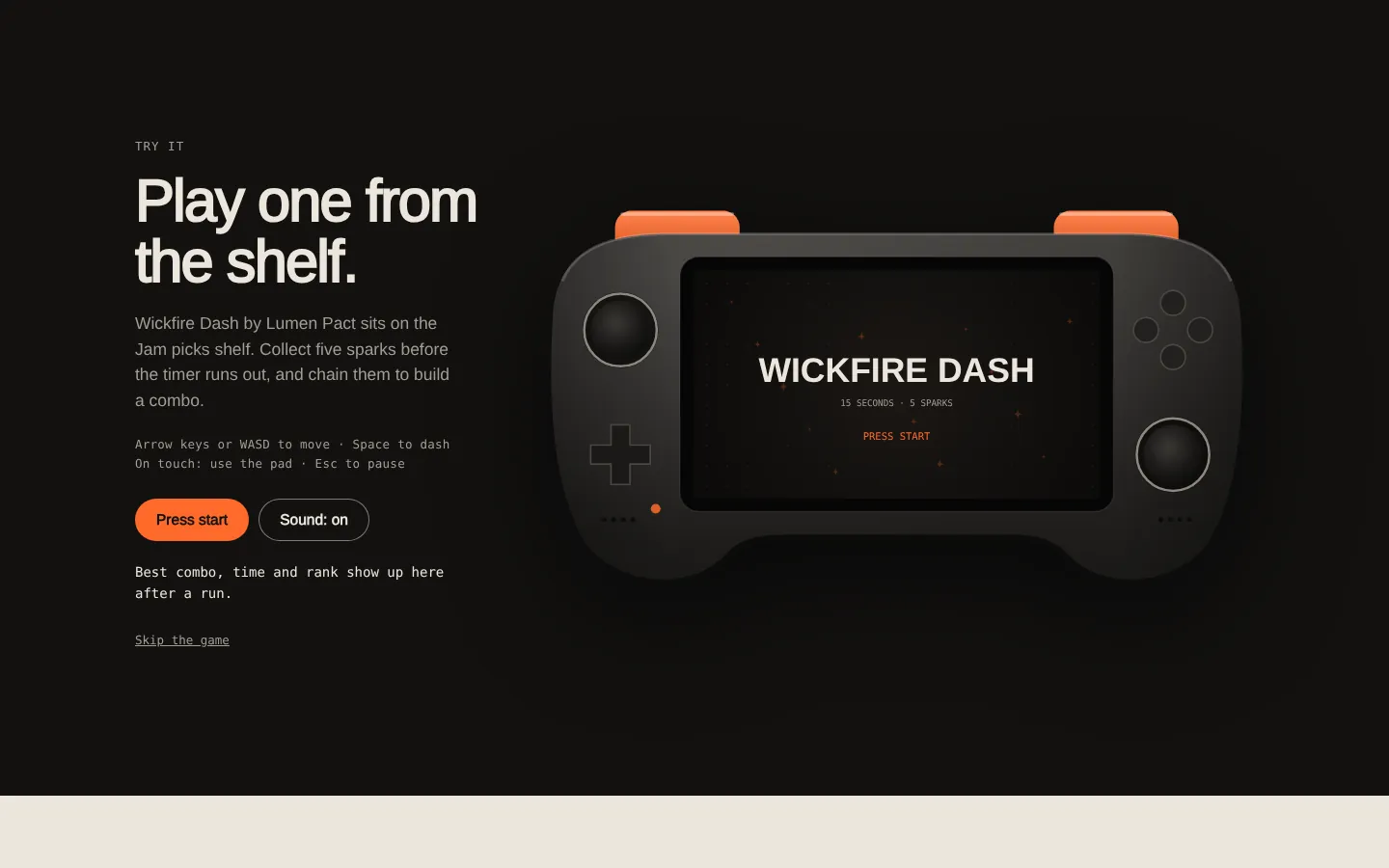
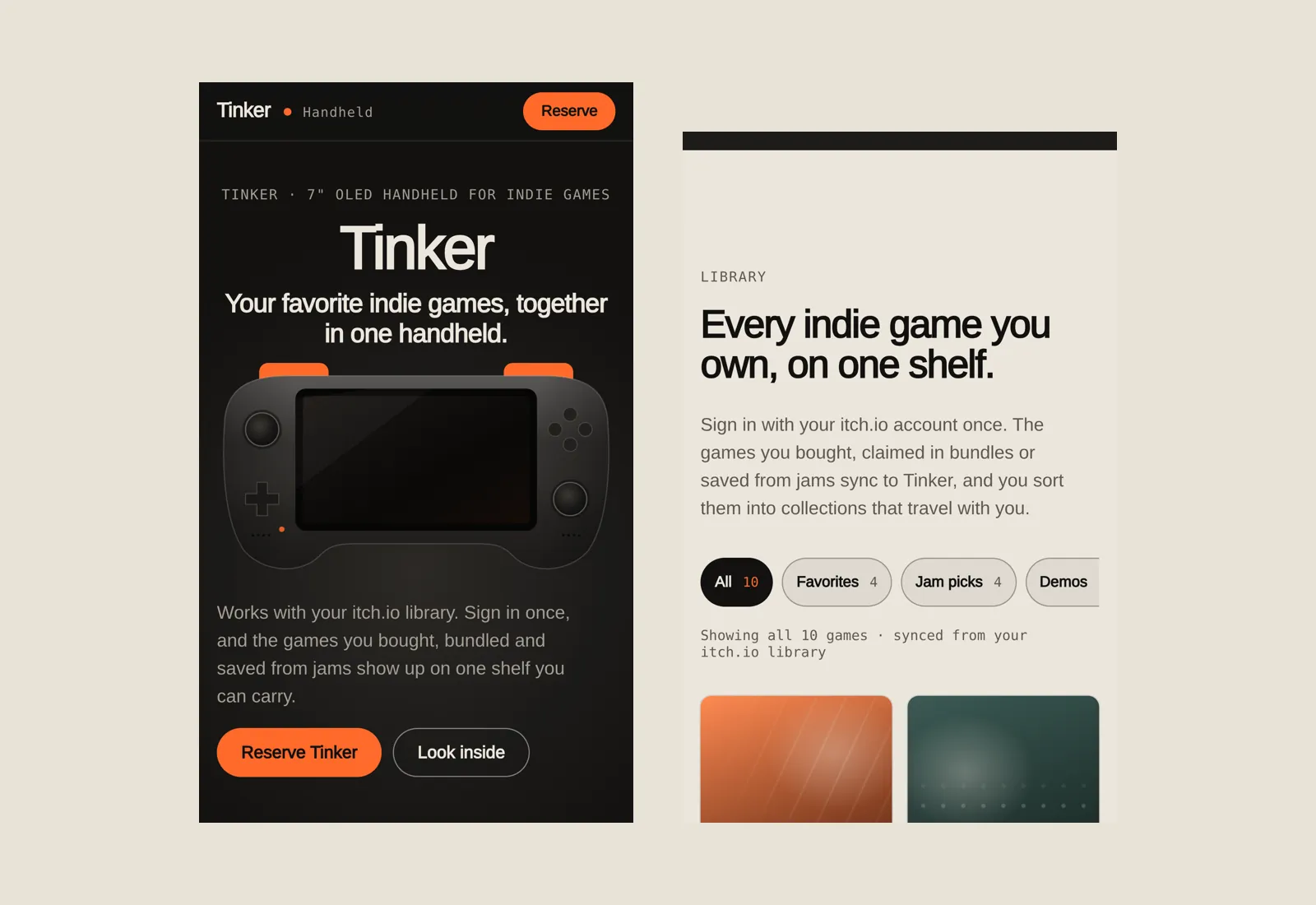
- The page follows the questions behind a reserve, in order: what it is, what's inside, the numbers, the shelf, a game to play, the finishes and the specs. The library is a filterable shelf synced from itch.io instead of a feature list, and Wickfire Dash, a short arcade game, runs right on the page.
- A decision I'd defend
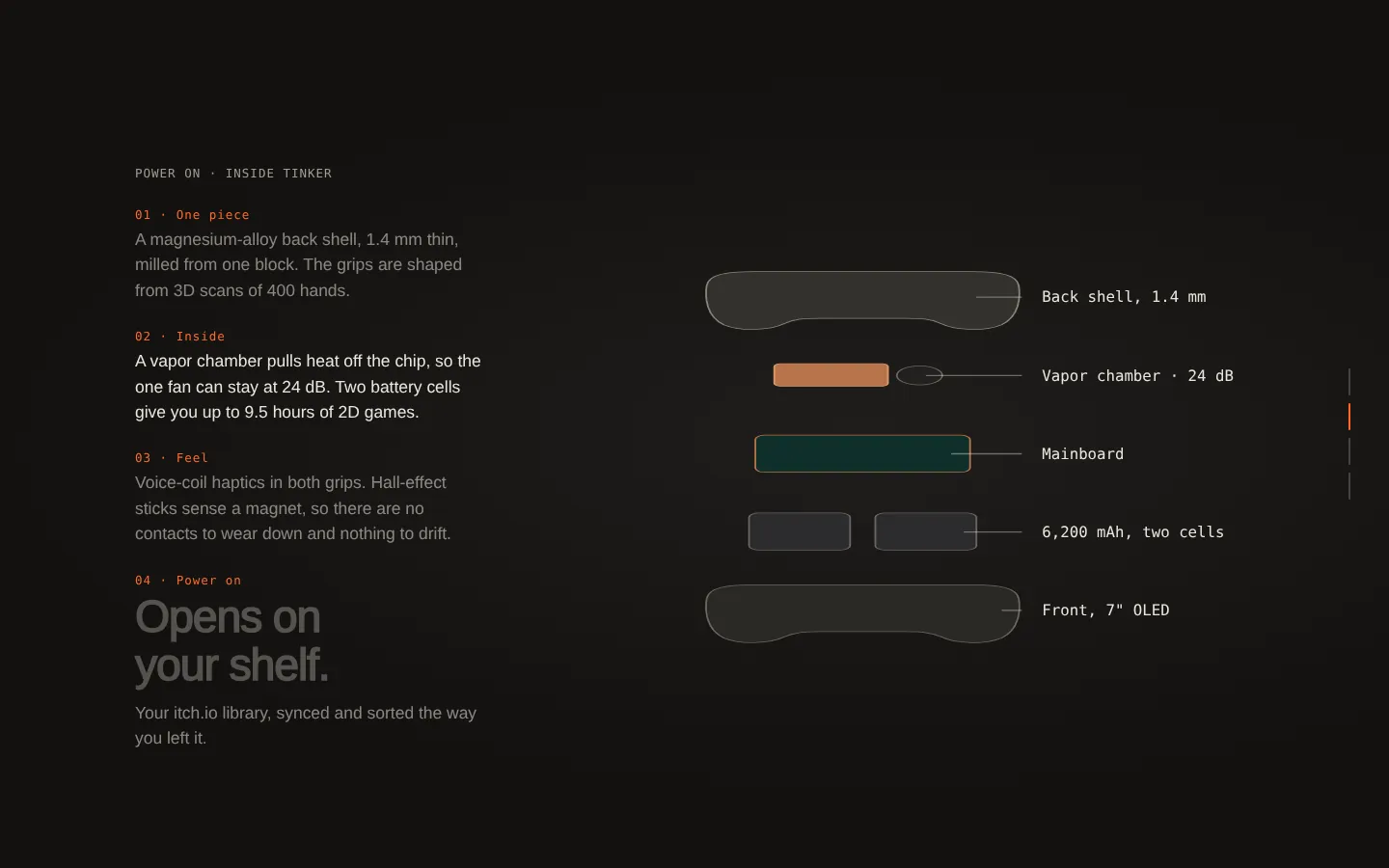
- One pinned teardown where each layer lifts straight out before it moves aside, so no part crosses another and the eye can follow every piece. Motion uses only transform and opacity, and there is a full reduced-motion version with keyboard paths.
- Result
- A live concept page in one HTML file with no photos: a 3D handheld, a scroll-linked teardown, a filterable library, a playable mini game, a finish picker and the reserve form. The next thing I'd test is whether moving the library above the teardown raises reserve clicks.
How I worked
From roadmap to live page, in the order I worked.
- UX roadmap and product mapWho buys a handheld for indie games, what they ask before reserving, and which section answers each question.
- Wireframes in FigmaDesktop and mobile hierarchy before any 3D: where the device sits, where the copy goes, where the reserve button repeats.
- Low-fi prototypeA clickable pass to check the order of the sections and the shelf filters.
- Assets in codeThe device, the game covers and the teardown layers drawn with three.js, canvas and SVG.
- Build and polishScroll-linked teardown, the mini game, a reduced-motion version and keyboard support, tested on phones.
The page
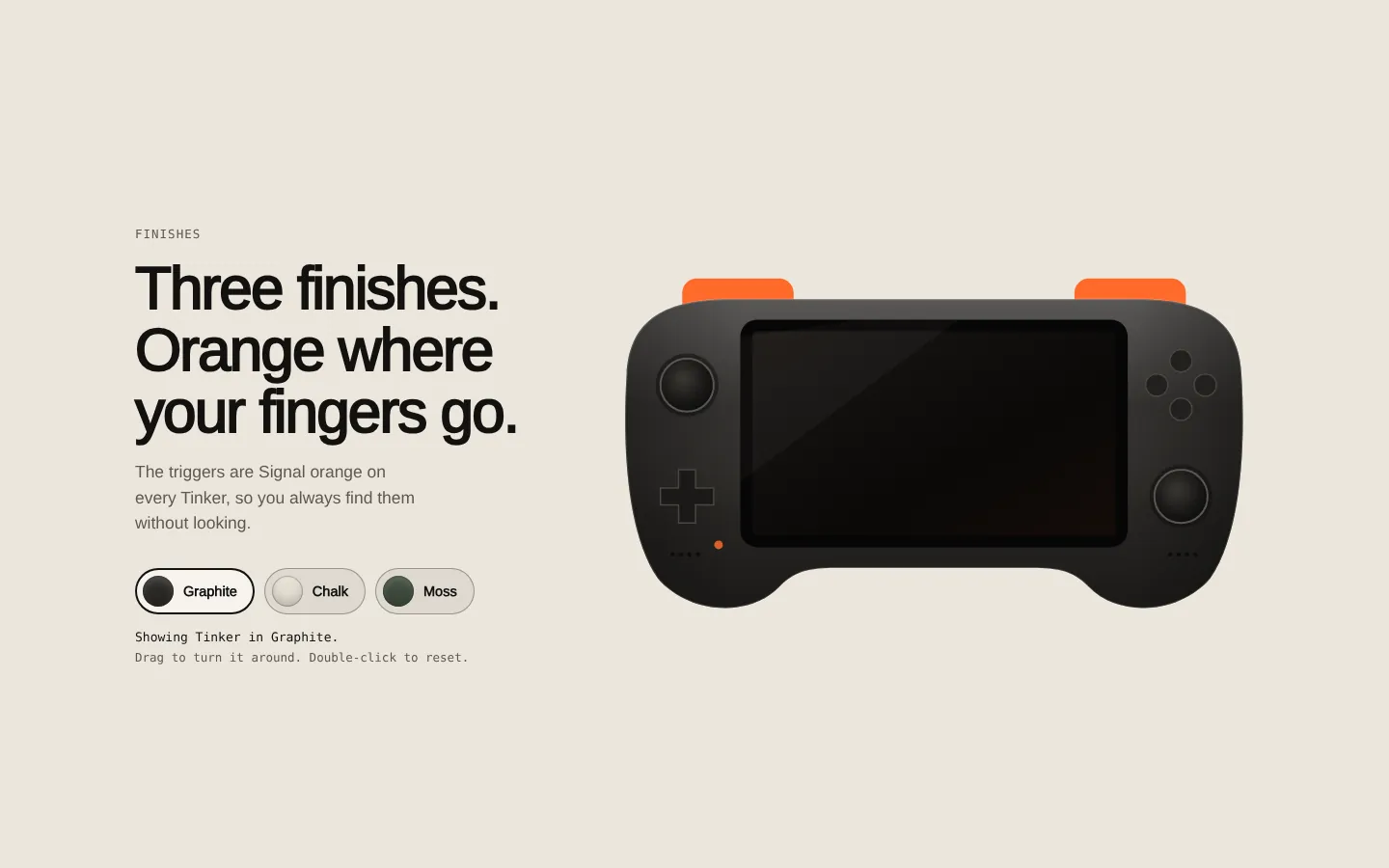
Dark sections carry the device; light sections carry the decisions a buyer makes: the numbers, the shelf, the finishes.
The decisions, on the page
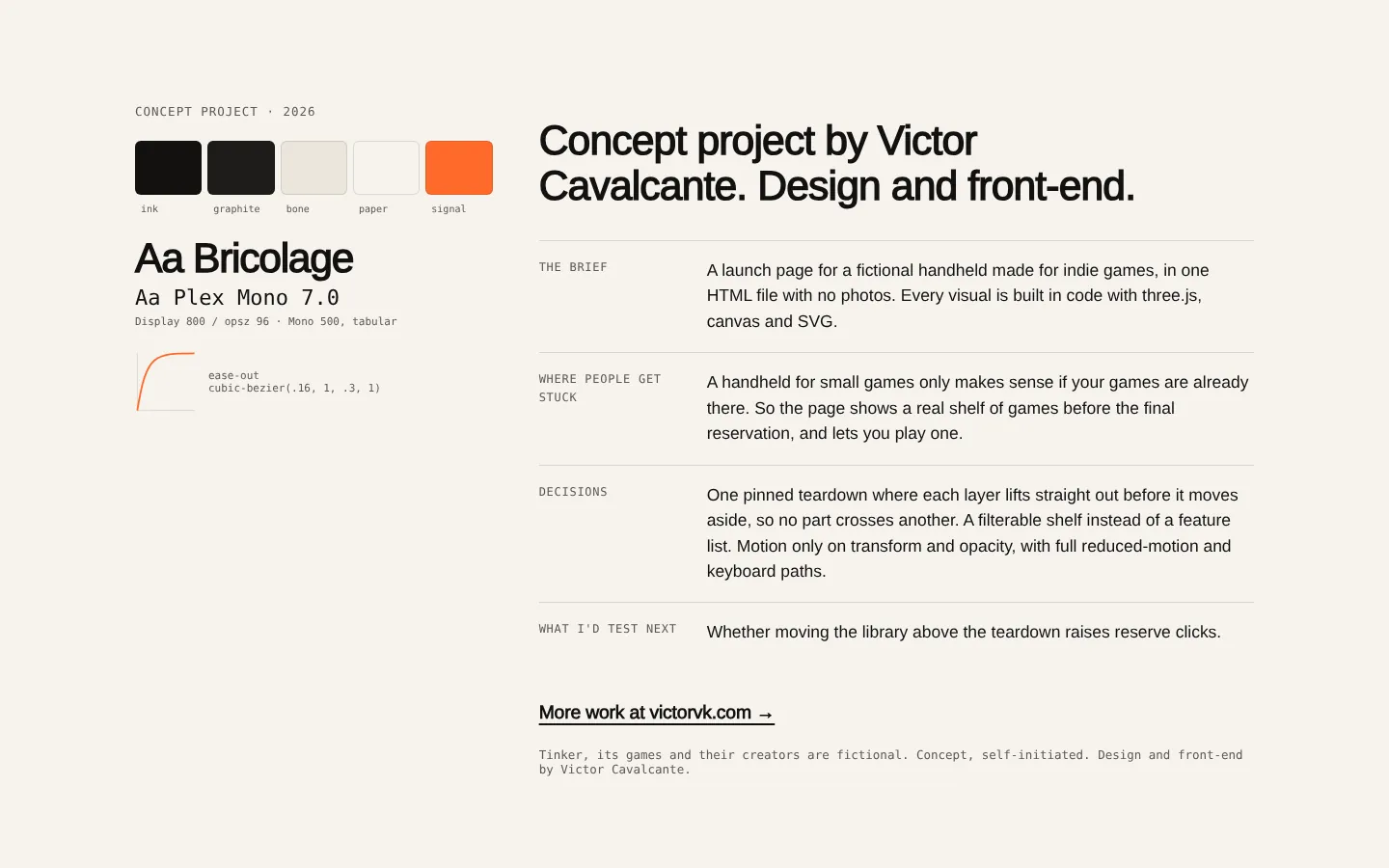
The page closes with its own brief: tokens, type, easing and the questions behind the layout.
Next case: 4Play platform